


WiFi Smart Light Switch 2.4GHz Alexa Compatible Voice Control Tilvision
$ 10.56
Description
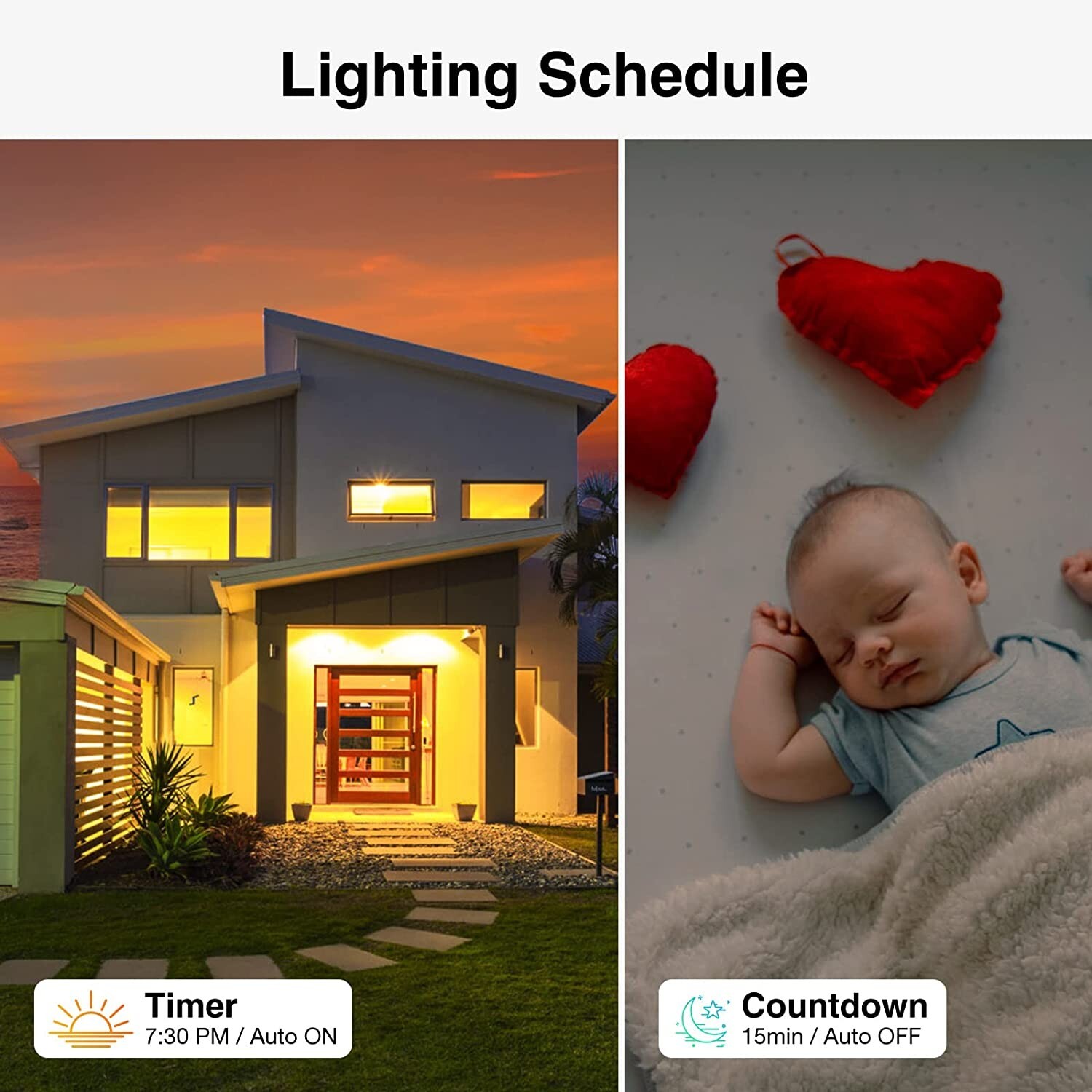
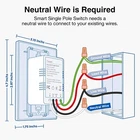
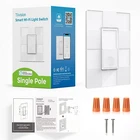
Smart Wall Light Switch,Tilvision 2.4Ghz WiFi Smart Light Switch Work with Alexa,Single Pole Smart Life Switch,Neutral Wire Required, Remote Control Schedule(1 Pack) Details Operation Mode : ON-OFF-ON Contact Type: Normally Open Connector Type: Clamp Brand: Tilvision Switch Type : Single Pole Smart Wifi Switch With Alexa Terminal : Spst Material : Polycarbonate Item Dimensions LxWxH : 3.15 x 1.75 x 4.7 inches Circuit Type : Single Pole Amazon Alexa Switch Mounting Type : Wall Mount About this item Easy to Install : Neutral wire is required, standard wall plate size, Works in a single pole setup only. No need to understand complex switches, wiring or primary and secondary switch configurations. Support 2.4GHz Wi-Fi Only (Not support 5G). APP Remote Control : Monitor your light status. Forgot to turn on/off your lights? Don't worry, use the Tilvision Smart App to turn on or off the WiFi Smart Switch from anywhere with your smartphone. Voice Control : Smart Light Switch is compatible with Amazon Alexa. When you are busy with work or entering a dark room, you can enjoy the convenience of voice control by switching the lights on and off directly through Alexa's voice. Time Schedule : Use the calendar to set your smart switch to automatically turn on or off when you're at home or out. Set a countdown to automatically turn off your bedroom lights at night. Synchronized with sunrise and sunset, the porch lights will greet you when you get home late. This Wi-Fi light switch keeps your home lights in order even when you're out. Enjoy smart light switches : Reduce the chores in your life and control your lights whenever you want. Tilvision smart switches, you can easily enjoy the convenience of a smart home! Specifications for this item Brand Name : Tilvision Color : White Connector Type : Clamp Contact Type : Normally Open Controller Type : Amazon Alexa Item Shape : Rectangle Material : Polycarbonate Mounting Type: Wall Mount Operation Mode : ON-OFF-ON Specification Met : Fcc,ul Supply Voltage : 120.00 volts Switch Type : Single Pole Smart Wifi Switch With Alexa Terminal Type : Spst Product details Product Dimensions : 3.15 x 1.75 x 4.7 inches; 6.74 Ounces Manufacturer : Tilvision Product Description Tilvision Smart Light Switch Quick and Easy Setup The Tilvision WiFi Smart Switch can be operated remotely to manage the status of your lights, allows for convenient voice control via Alexa, and allows you to schedule the switch on and off according to your own time. Reduce the chores in your life and control your lights at any time. You can easily enjoy the convenience brought by smart home! Specification Input : AC100-240V, 60Hz Output : Max 500W resistive load Wi-Fi : 2.4GHz 802.11b/g/n Dimensions : 3.15(W) X 1.75(D) X 4.7(H) in.(with face plate) Neutral wire is required Standard wall plate size Works in a single pole setup only Packaging List: 1x wall switch 1x user manual 2x screws 4x wire connectors Remote Control Monitor your light status. Forgot to turn on/off your lights? Don't worry, use the Tilvision Smart App to turn on or off the WiFi Smart Switch from anywhere with your smartphone. Voice Control Smart Light Switch is compatible with Amazon Alexa. When you are busy with work or entering a dark room, you can enjoy the convenience of voice control by switching the lights on and off directly through Alexa's voice. Time Schedule Use the calendar to set your smart switch to automatically turn on or off when you're at home or out. Set a countdown to automatically turn off your bedroom lights at night. Synchronized with sunrise and sunset, the porch lights will greet you when you get home late. This Wi-Fi light switch keeps your home lights in order even when you're out. Are neutral wires required? Yes, neutral wires are required for installation (present for most US homes built after 1978). Do I have neutral wires? Check the actual wires in the switch box where you want to install Tilvision. 1. Please observe all safety precautions before handling the electrical wiring in your switch boxes. 2. Turn off power to the circuit breaker and remove the existing switch. 3. If you see a white wire (or group of them), it is VERY likely that you have a neutral. 4. If unsure, consult a professional electrician. How do I reset my smart switch? To reset your Smart Switch. Press and hold the on/off button for 5 seconds; once you see the status indicator alternately flashing blue and red, the reset is complete and new settings can be made. How to connect to use the app? 1. Download the "Tilvision" APP from the APP Store or Google Play Store and install it. 2. Open the "Tilvision" APP and create your account 3. Click Add Device on the home page and find our corresponding smart switch device. 4. Reset the WiFi smart switch device and connect the device to the 2.4GHz Wi-Fi network according to the guidelines Once connected, you can use your phone to turn on/off the smart switch anywhere via 4G or 5G WiFi, please keep the smart switch always within the 2.4G WiFi range.
Seller communication was tops. UPS delivered it to the wrong address. Product looks great
Ver nice as described. Great Christmas gifts! Prompt shipping g, thanks
A+++ Item as described! Fast shipping!
Related products
Sonoff WiFi Smart Scene Wall Light Switch Touch Panel Smart Home Center Control
$ 29.57SONOFF Smart Scene Wall Light Switch Home Automation Thermostat WiFi APP Control
$ 8.451/2/3 Gangs WiFi Smart Wall Touch Light Switch Glass Panel For Alexa,Google APP
$ 7.02WiFi Smart Wall Touch Light Switch 1/2/3/4 Gang APP Control Timing Function
$ 6.3